SyngHub Documentation
The Pricing Plans & Comparison Table
The Pricing Plans & Comparison Table Module is designed to provide a flexible and conversion-focused pricing solution for HubSpot CMS.
Its objective is to help businesses clearly present static pricing plans and feature comparisons with optional monthly/yearly toggling, while improving pricing clarity, user trust, and conversion rates. This module eliminates the need for multiple pricing layouts and ensures a structured, consistent pricing presentation across the website.
SyngHub Documentation
The Pricing Plans & Comparison Table
The Pricing Plans & Comparison Table Module is designed to provide a flexible and conversion-focused pricing solution for HubSpot CMS.
Its objective is to help businesses clearly present static pricing plans and feature comparisons with optional monthly/yearly toggling, while improving pricing clarity, user trust, and conversion rates. This module eliminates the need for multiple pricing layouts and ensures a structured, consistent pricing presentation across the website.
.png "left-image (1)")
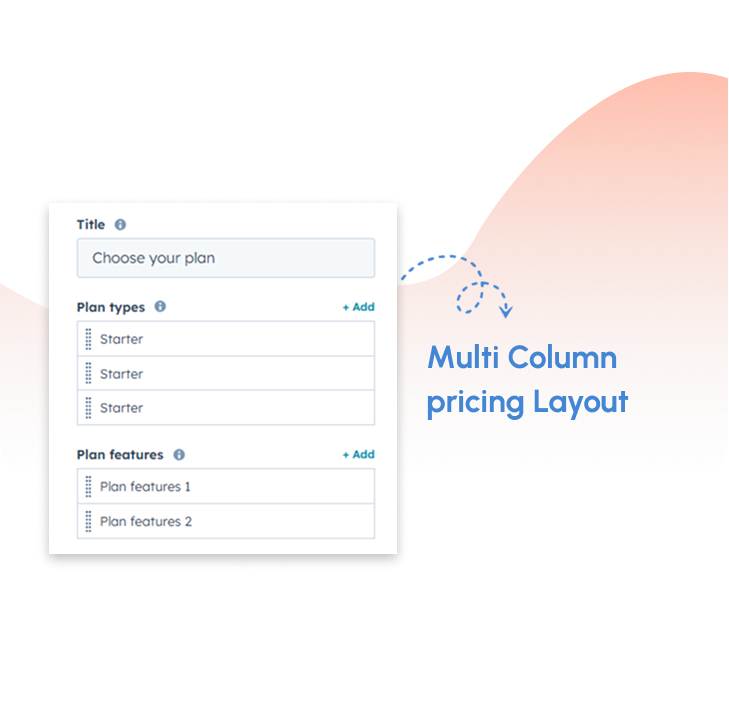
Multi-column pricing layout
Organise your pricing plans in a structured multi-column layout that displays options side by side. This format makes it easier for users to compare plans without confusion. It improves clarity by presenting all key information in a single view. The layout is ideal for tier-based pricing models. It creates a clean and professional pricing section..
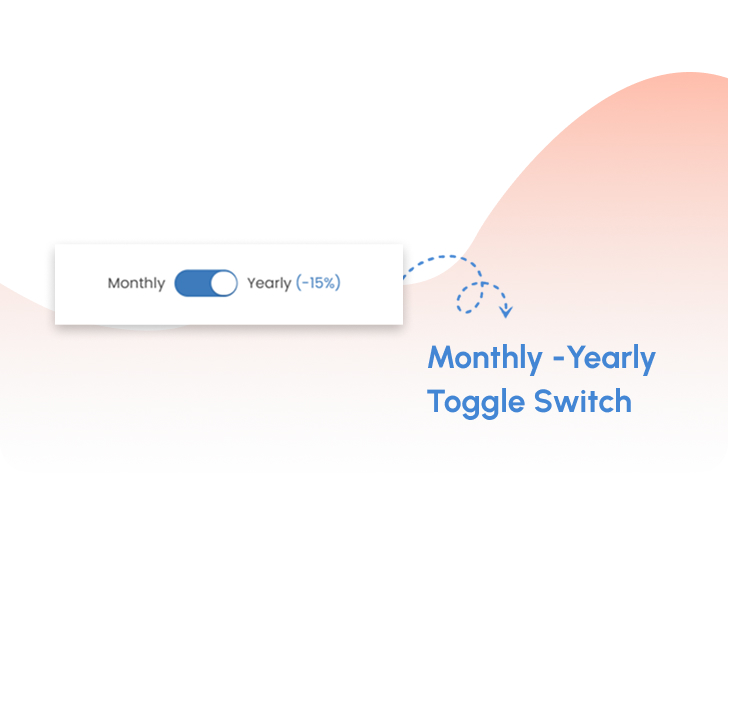
Monthly / Yearly toggle switch
Allow users to switch between monthly and yearly pricing with a simple toggle interaction. This helps users quickly understand different billing options. It highlights potential savings for long-term plans. The toggle improves engagement by adding interactivity. It also supports better decision-making.
Highlighted “Featured Plan” option
Cards automatically adjust to the same height regardless of content length. This creates a clean and professional layout with perfect visual alignment. It ensures better readability and a consistent browsing experience .
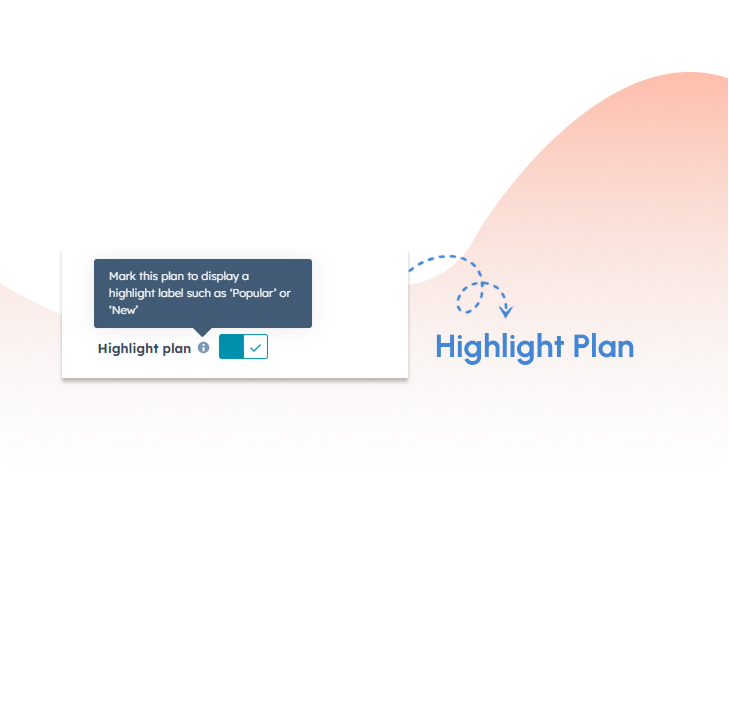
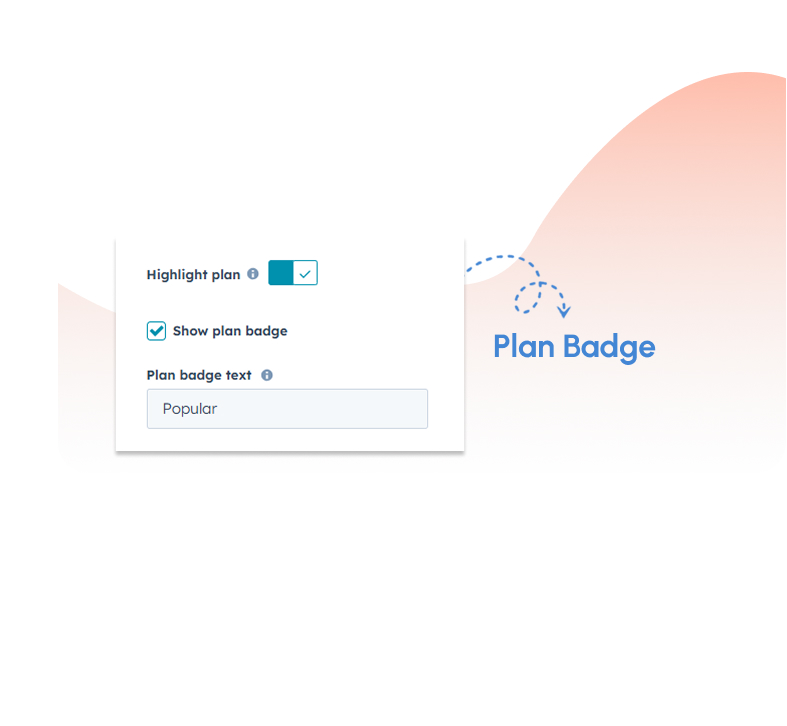
Plan Promo Badge
Add badges such as Popular, Recommended, or Best Value to highlight key plans. These labels help users quickly identify preferred options. It enhances visibility without adding complexity to the layout. Badges improve clarity in decision-making. They also create a more engaging pricing section.
Styling & Customization
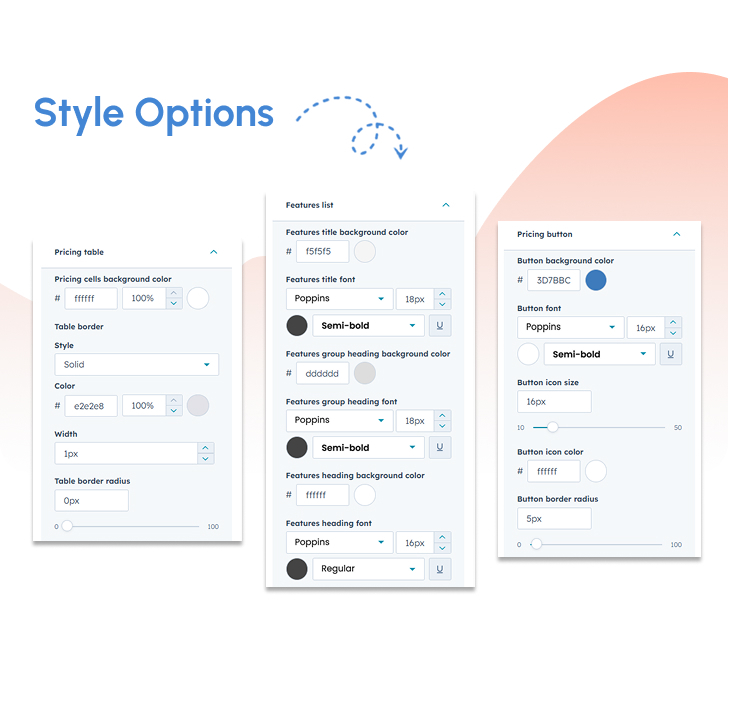
Customize colors, typography, spacing, and layout to match your brand identity. This ensures consistency across your website. It allows full control over visual presentation. Changes can be made easily without technical effort. The result is a polished and professional design.
.png?width=153&height=152&name=Icon%20(1).png)
Expert Assistance
Get direct support from our experienced support team
.png?width=153&height=152&name=Icon%20(2).png)
Demo Link
Explore a live demo to experience the product in action.
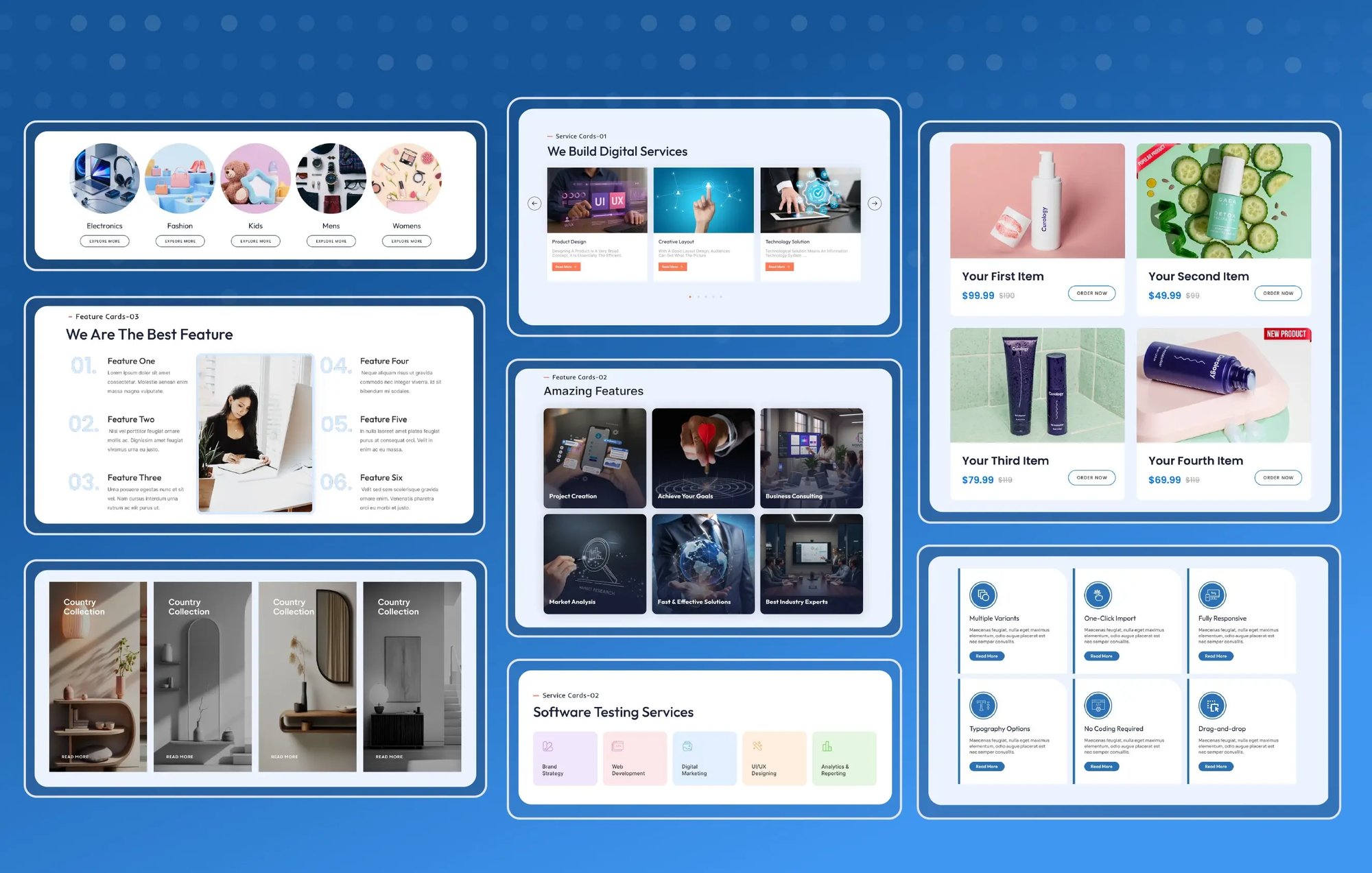
Get the SyngHub Multi-Purpose Content Cards Module
This module supports multiple display styles, including grid and slider layouts, allowing you to adapt content presentation based on page goals. Advanced options like badges, flip interactions, and RTL slider direction give you greater flexibility without increasing design complexity. By consolidating multiple use cases into one powerful module, it reduces module duplication, improves page performance, and maintains strong brand consistency across the website.