SyngHub Documentation
Filterable Portfolio Gallery
The Filterable Portfolio Gallery Module helps you present projects, works, or case studies in a clean and organised way. It allows users to explore content visually while filtering items based on categories. With flexible layouts, styling controls, and smooth interactions, the module creates an engaging browsing experience. Designed for HubSpot CMS, it works seamlessly across devices and page types. Ideal for agencies, service providers, and businesses showcasing their work.
Layout Model Type
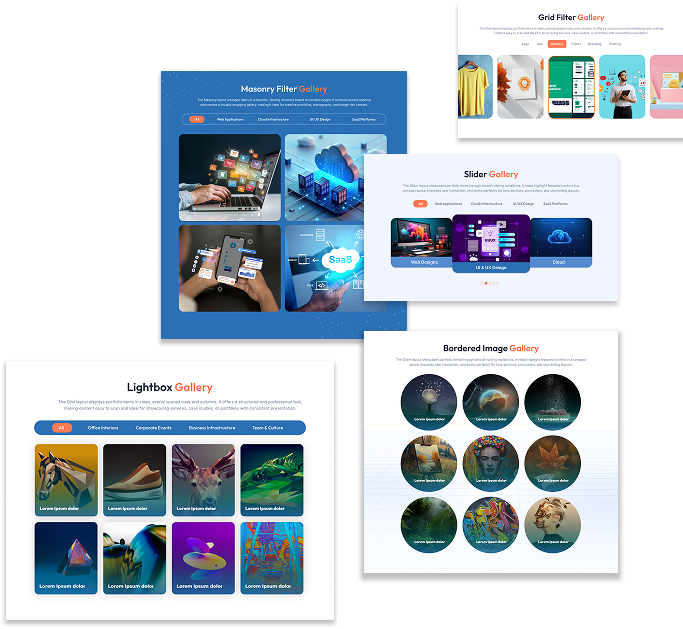
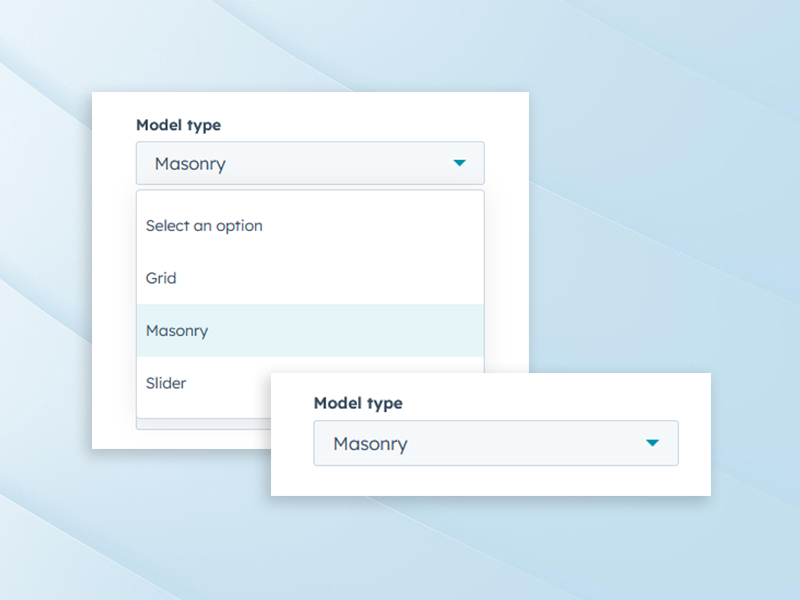
This feature allows you to display portfolio items using three different layout styles. Grid layout provides a structured and balanced look, Masonry offers a modern and dynamic flow, and Slider presents items in an interactive format. Each layout supports different presentation needs. You can choose the layout that best matches your brand style. Switching layouts does not affect existing content.
Column Control for Layouts
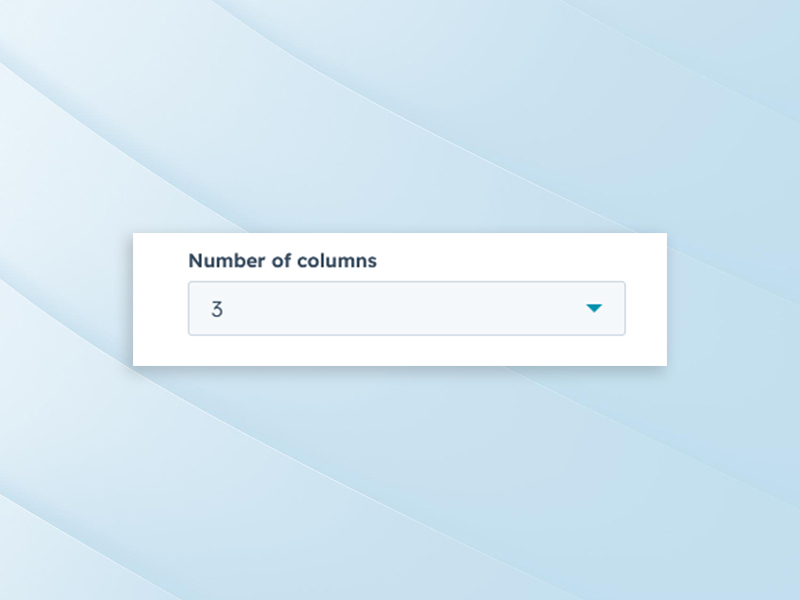
Column control lets you define how many portfolio items appear in a single row. This helps you manage visual spacing and content density. It keeps the gallery organized and easy to scan. The layout adjusts smoothly across screen sizes.
Spacing, Alignment, and Typography Controls
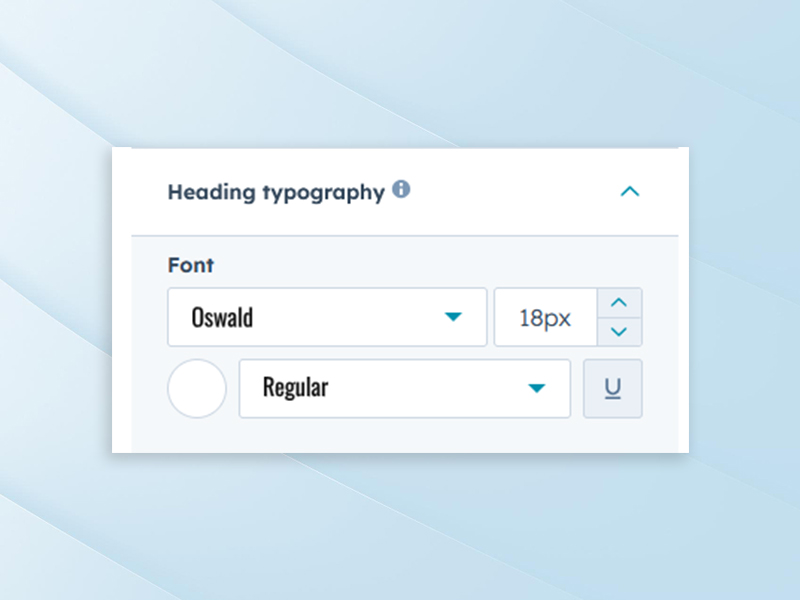
This feature provides control over spacing, alignment, and text styling within the gallery. You can adjust padding and margins to improve readability. Typography settings allow consistent font styles for titles and descriptions. It helps maintain brand consistency across your website. All changes are simple and visual.
Card Overlay Background and Border Settings
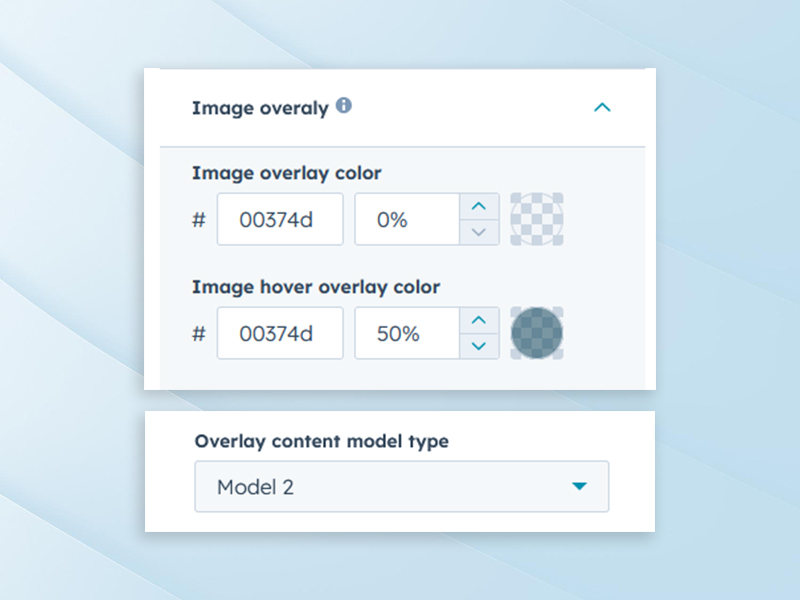
Card overlay options allow you to add background colours or overlays to portfolio items. This improves text visibility on images. Border settings help define each card clearly with clean edges. These options enhance the visual structure of the gallery. The design remains modern and professional.
Category Filtering Support
Category filtering allows users to view portfolio items based on selected categories. This helps visitors quickly find relevant projects. Filtering works instantly without page reloads. It improves usability when showcasing multiple works. Ideal for portfolios with diverse project types.
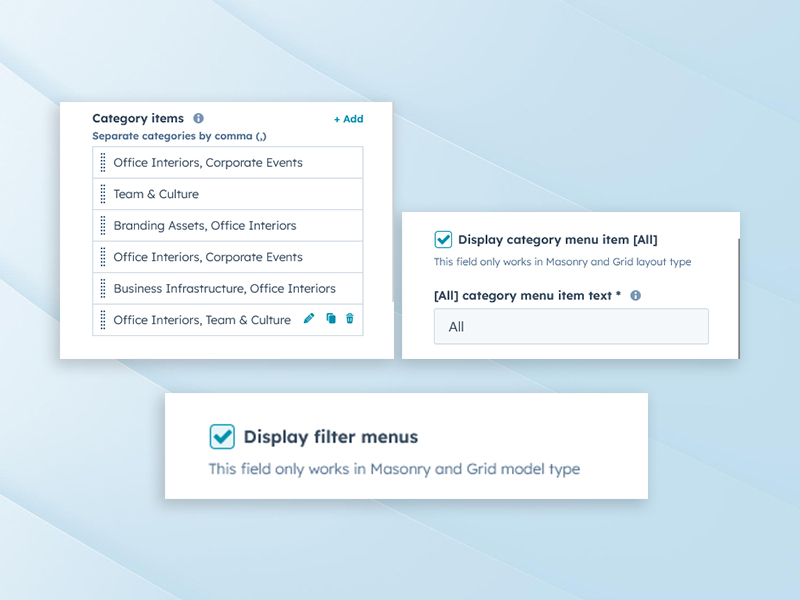
Image Lightbox Option
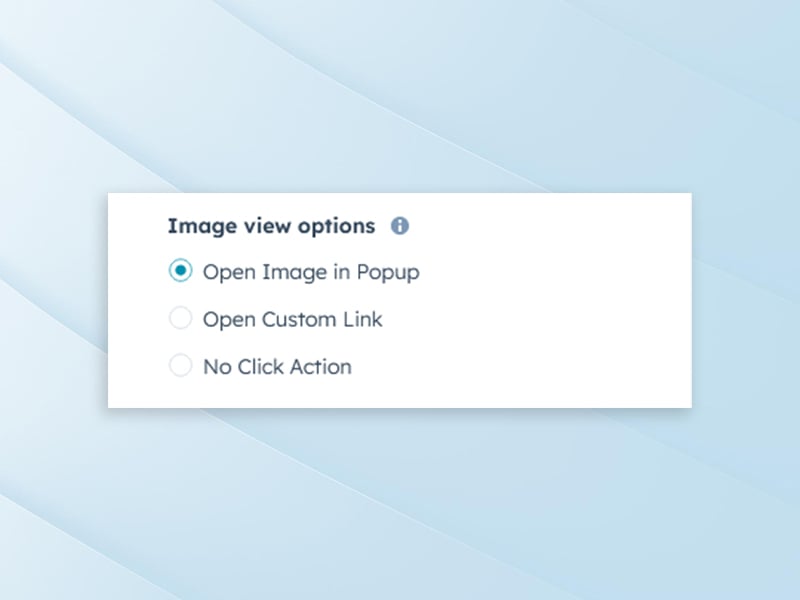
The image lightbox option allows images to open in a larger overlay view. This improves visibility and focus without leaving the page. It is especially useful for detailed visuals. Users can close the lightbox easily and continue browsing. The experience feels smooth and professional.
Hover Animation Option
Hover animations add subtle movement when users interact with portfolio items. This helps highlight clickable elements and improves engagement. Animations feel smooth and modern without distraction. You can enable or disable effects based on preference. It enhances interaction while keeping the gallery clean.
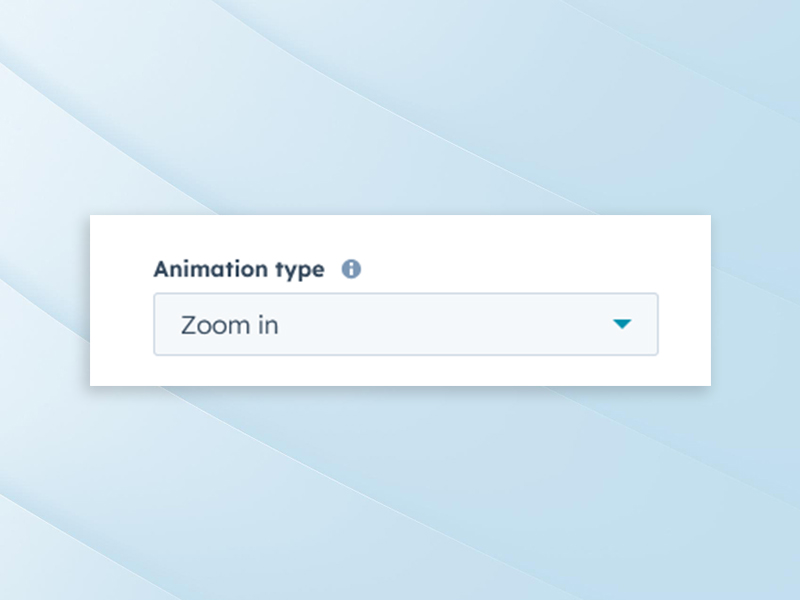
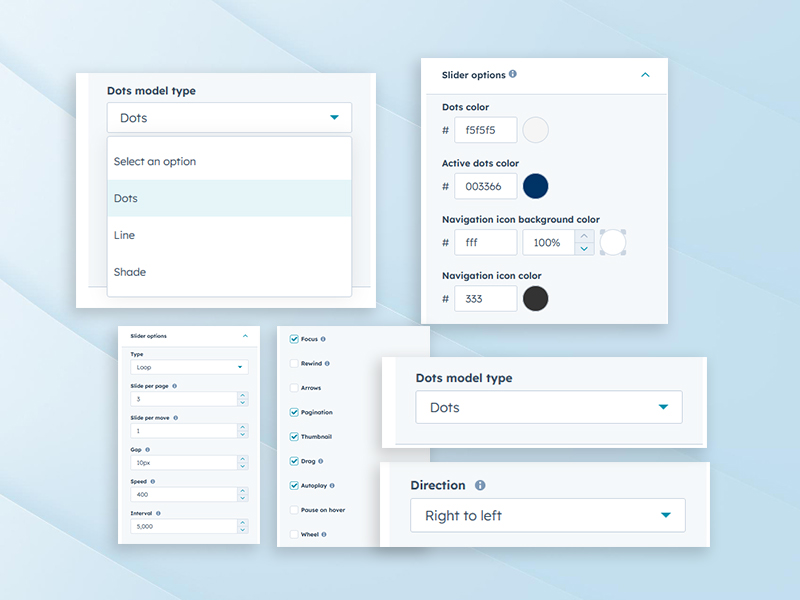
Slider Controls (Auto Play, Navigation, Speed)
Slider controls allow you to manage how portfolio items move in slider view. You can enable auto play, add navigation arrows or dots, and control transition speed. This creates a smooth and engaging viewing experience. Users can browse projects comfortably. The slider remains responsive and user-friendly.
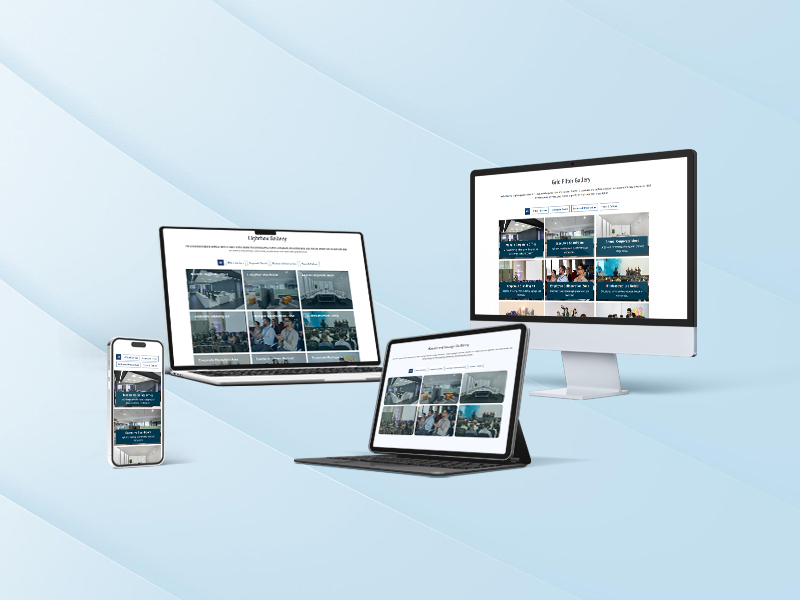
Fully Responsive Across Devices
The gallery automatically adapts to desktops, tablets, and mobile devices. Layouts resize smoothly without breaking the design. Images, text, and spacing remain readable on all screens. This ensures a consistent browsing experience everywhere. No extra mobile configuration is needed.
.png?width=153&height=152&name=Icon%20(1).png)
Expert Assistance
Get direct support from our experienced support team
.png?width=153&height=152&name=Icon%20(2).png)
Demo Link
Explore a live demo to experience the product in action.
Get the SyngHub Filterable Portfolio Gallery Module
Partner with Syngrid’s HubSpot experts to unlock the full potential of your CRM, marketing, sales, and service automation. Whether you’re just starting or scaling your operations, we’ll help you drive growth, streamline processes, and maximise ROI.