The Pricing Plans & Comparison Table Module is designed to provide a flexible and conversion-focused pricing solution for HubSpot CMS. Its objective is to help businesses clearly present static pricing plans and feature comparisons with optional monthly/yearly toggling, while improving pricing clarity, user trust, and conversion rates. This module eliminates the need for multiple pricing layouts and ensures a structured, consistent pricing presentation across the website.
The Team Card Module allows you to add and manage team members using structured cards with images, roles, and social links, while supporting layout selection, styling controls, and responsive display across all devices for a consistent team section.
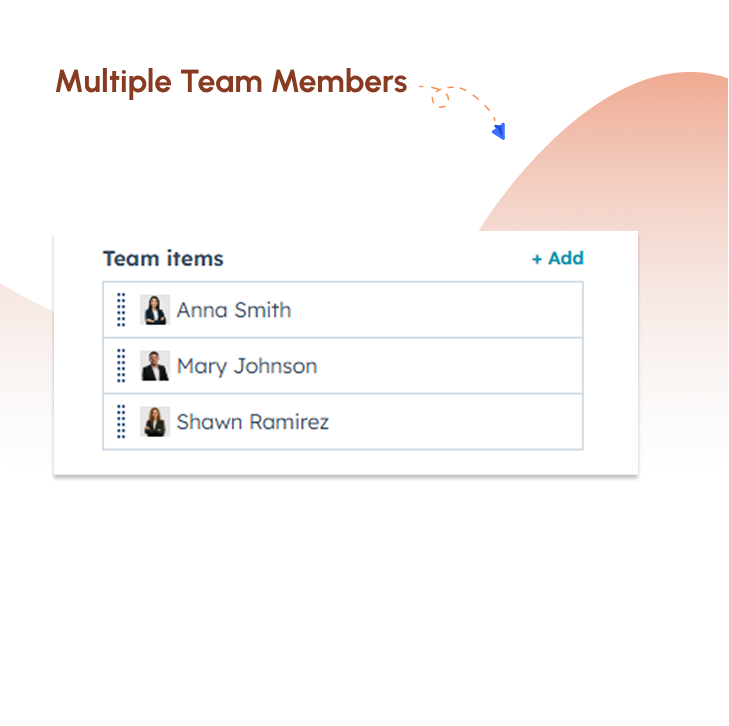
Easily add and manage multiple team members using repeatable card fields. This allows you to build and update your team section quickly without any complexity or design changes.
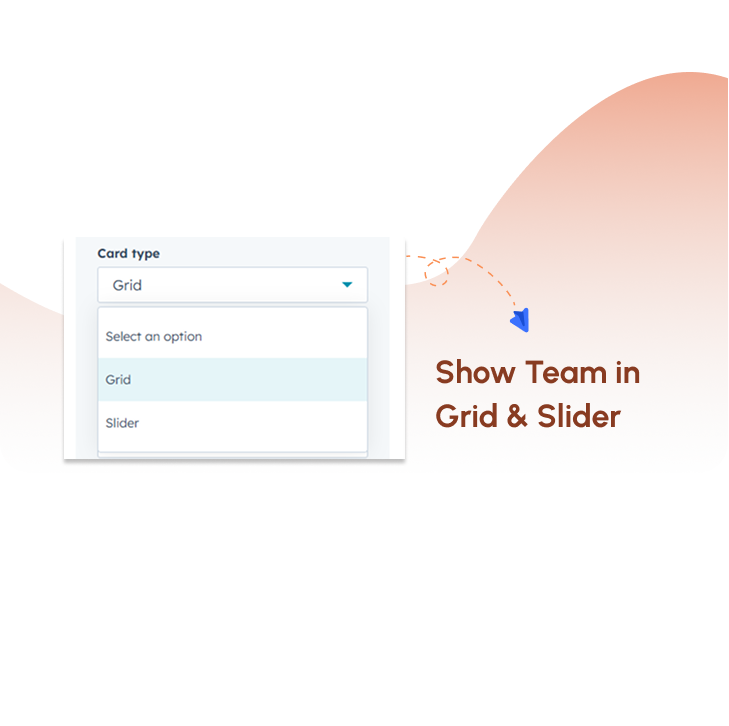
Show Team in Grid & Slider
Display team members in grid or slider layouts based on your page needs. This flexibility helps you present content in both structured and interactive formats across different sections.
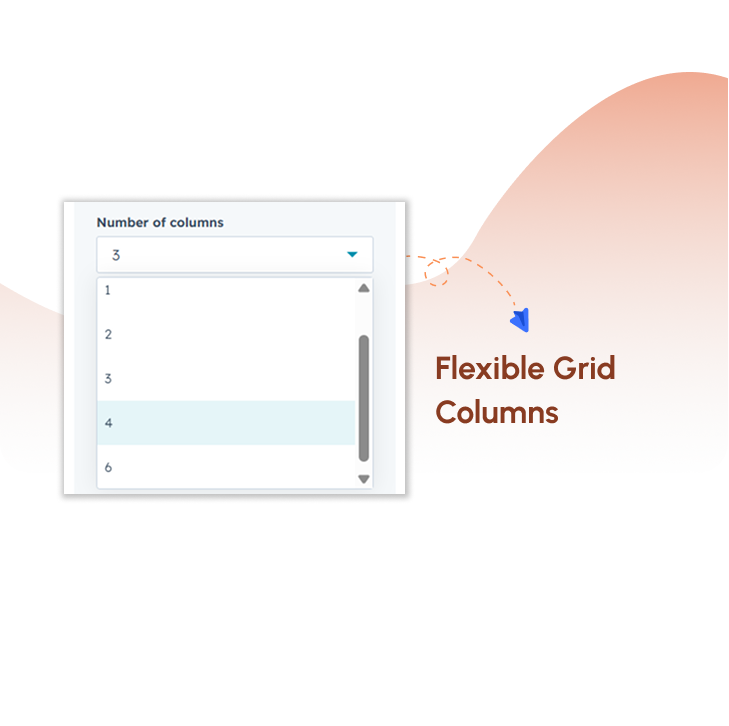
Flexible Grid Columns
Adjust the number of columns in grid layout to control how team members are displayed. This helps maintain proper spacing, alignment, and visual balance across all screen sizes.
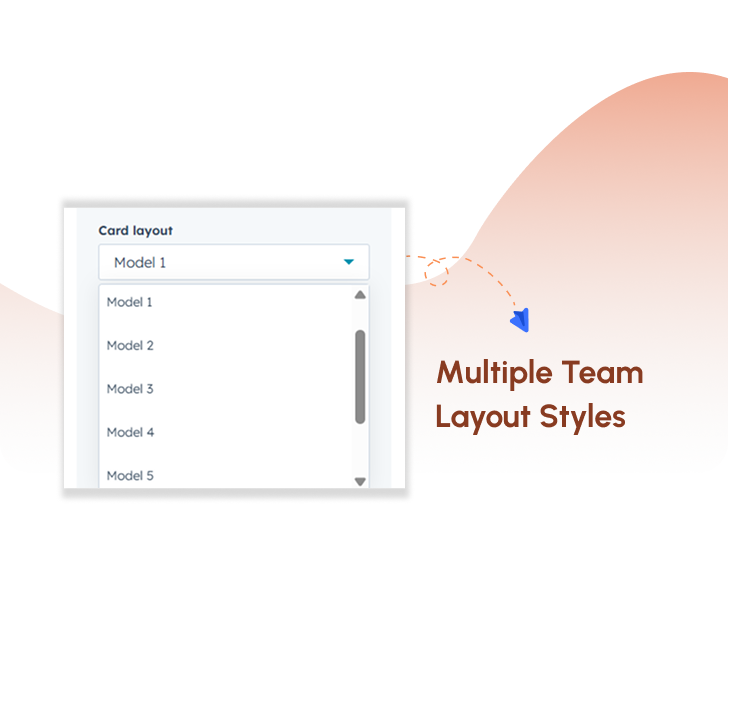
Multiple Team Layout Styles
Choose from different layout styles to present team members in unique formats. This helps match your design preference while keeping the team section visually engaging and consistent.
Styling & Customization
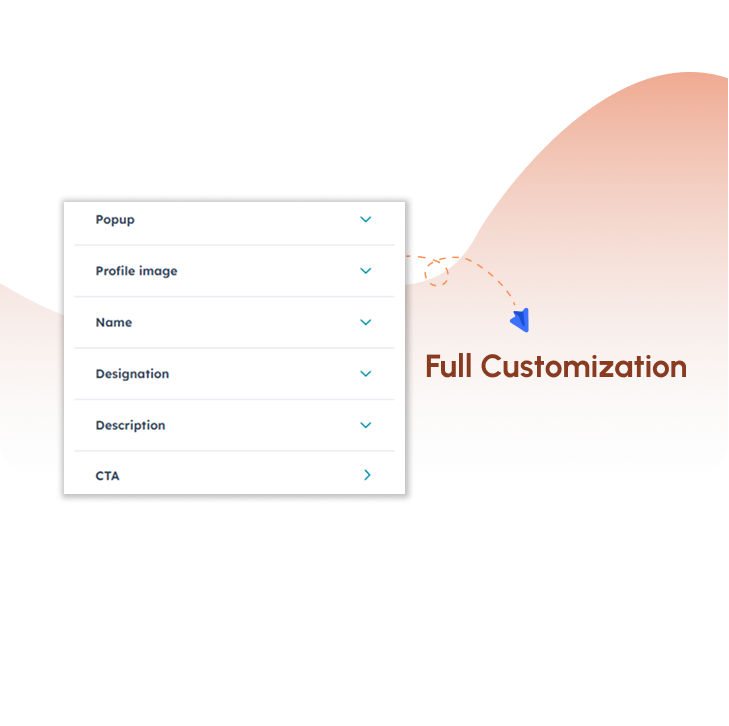
Customize colors, typography, spacing, and card styles to align with your brand identity. This ensures your team section looks professional and consistent across your website.
Explore a live demo to experience the product in action.
Get the SyngHub Team Card Module
Create a professional and engaging team section by displaying team members in structured, visually consistent cards, with flexible layout and styling options that align seamlessly with your website design and improve overall user experience.

.png?width=153&height=152&name=Icon%20(1).png)
.png?width=153&height=152&name=Icon%20(2).png)